Run every restoration job from one connected platform
Dispatch crews, document damage, build estimates, invoice customers, and get paid faster, all on one shared job record.
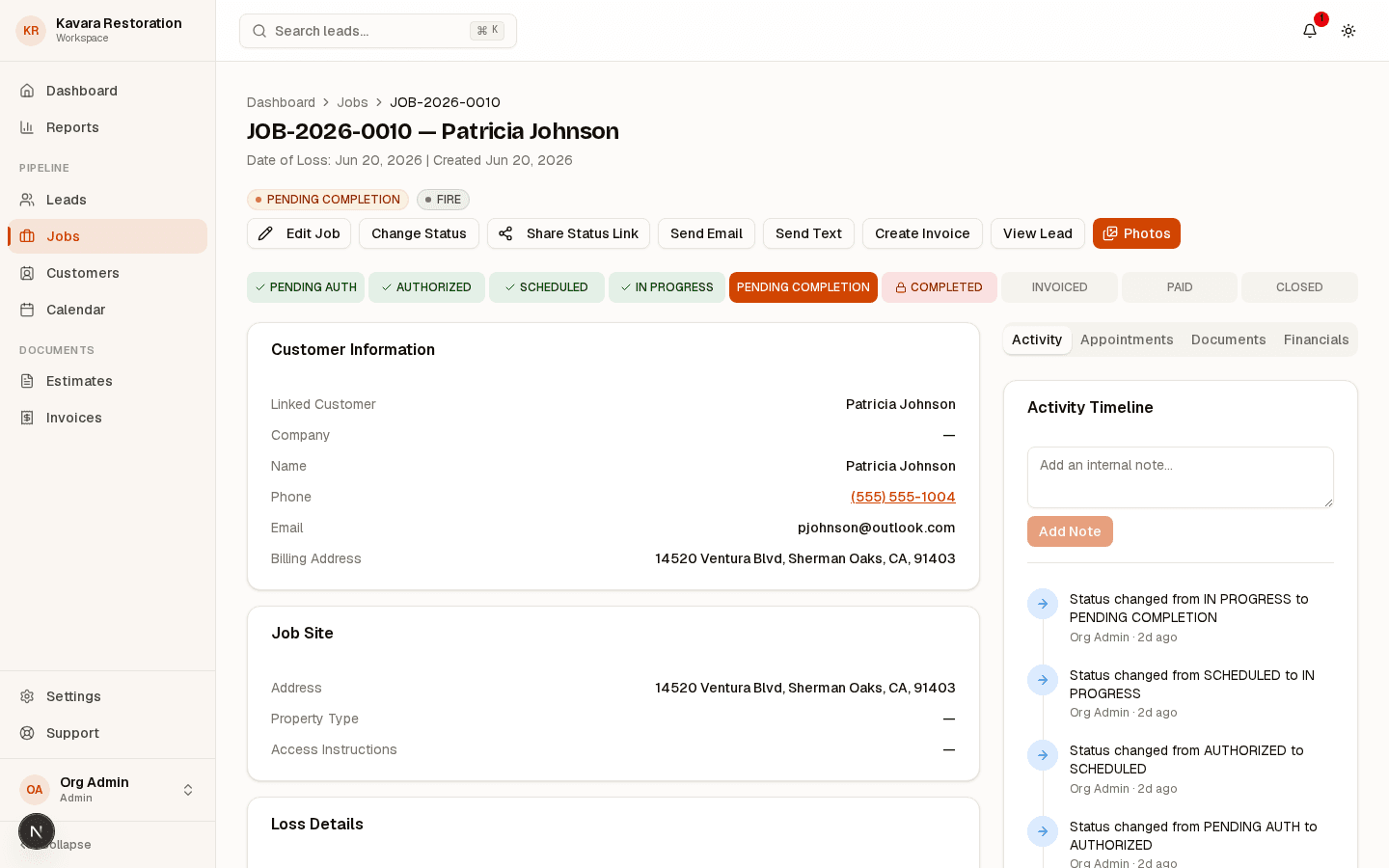
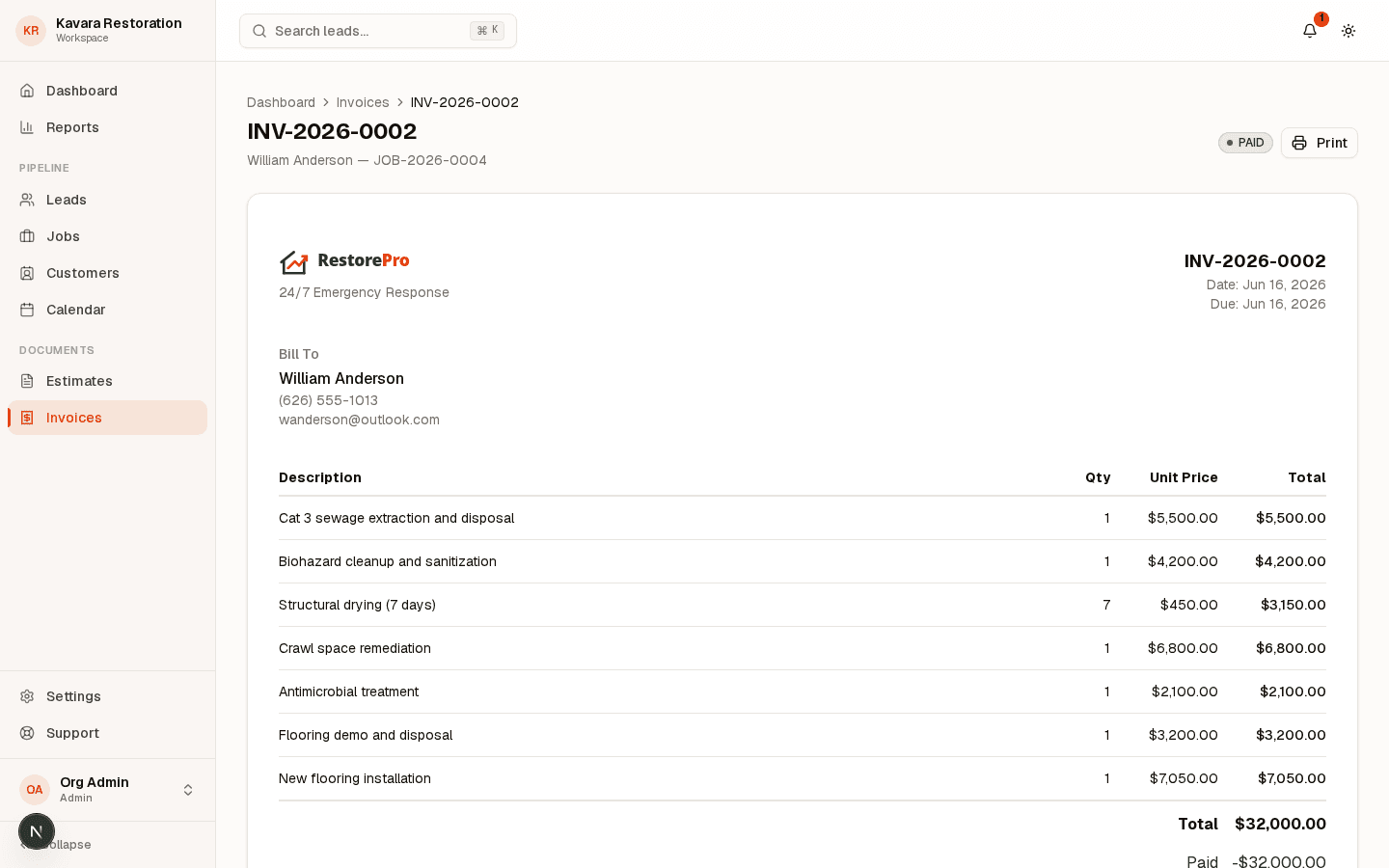
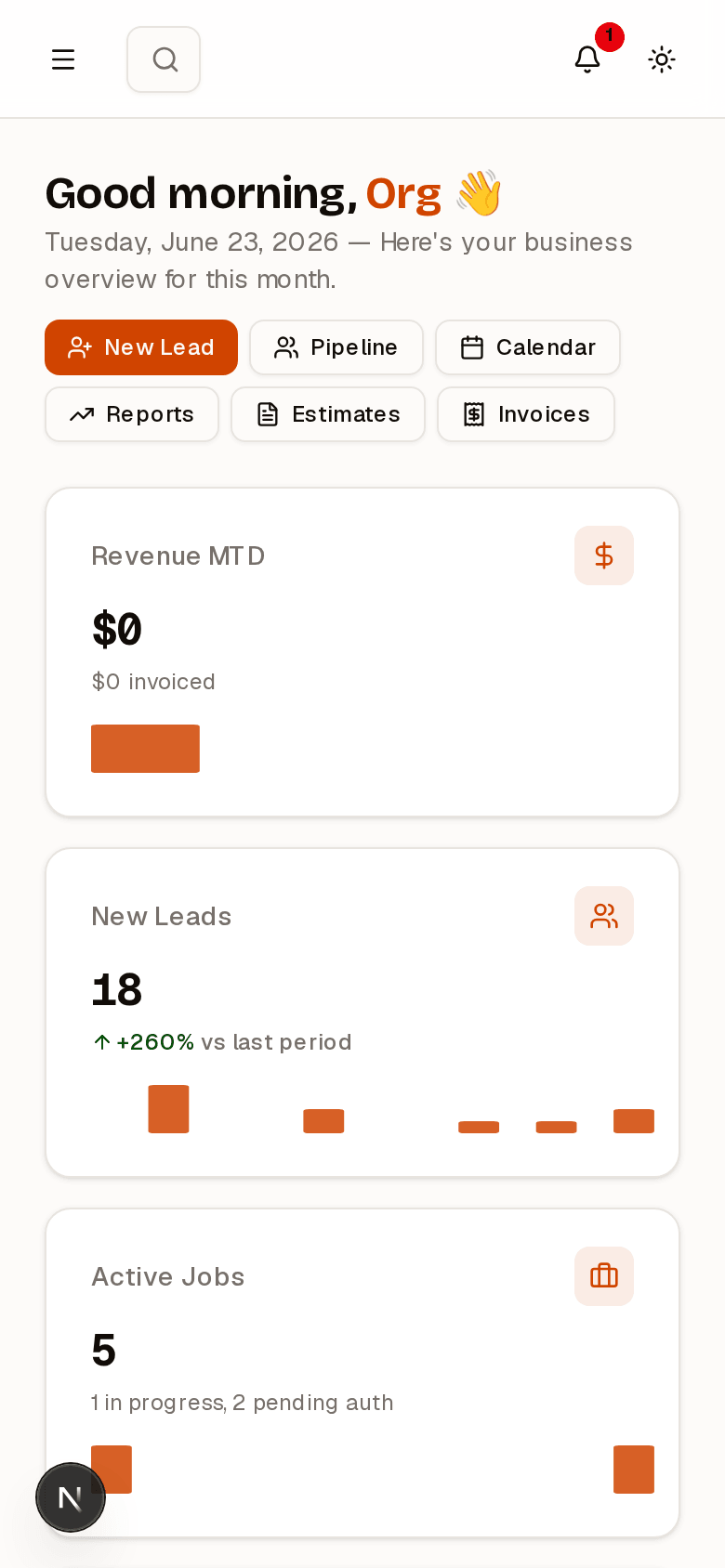
.png&w=3840&q=92)
Built for the realities of restoration work, from intake to invoice on one connected job record
- Platform
- One job recordFirst call to final payment
- Field
- Field-readyBuilt for crews on site
- Claims
- Adjuster-readyInsurance documentation
- Security
- ReliableEnterprise-grade security
One platform.
Every part of
the job.
From the first dispatch to the final invoice, your whole operation runs in a single connected workspace.
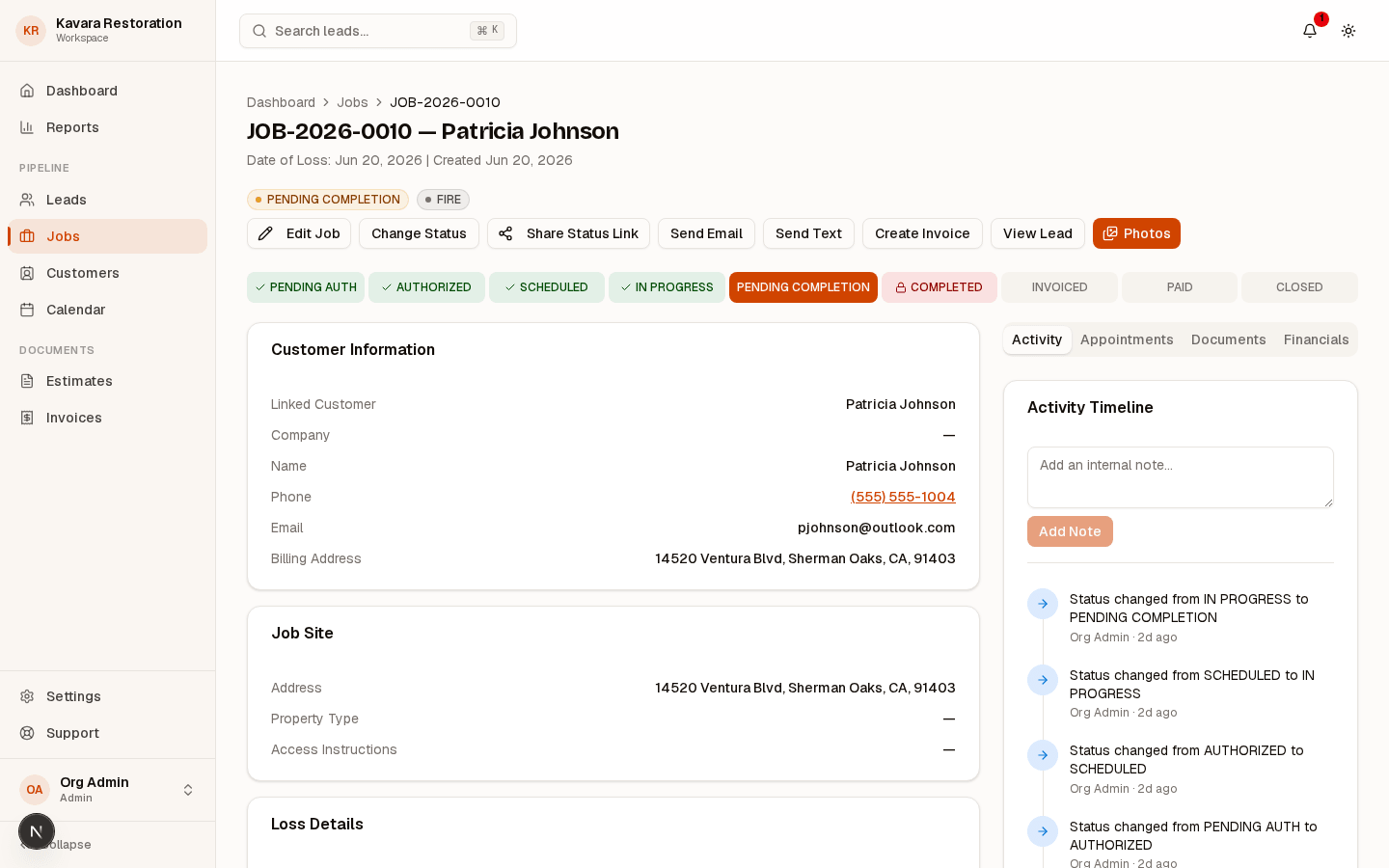
Dispatching
Schedule crews and routes in seconds.
Assign the right crew, set job type, priority, and ETA, then dispatch in a tap. The office and the field watch the same live board, so everyone sees who is going where, what changed, and what is next without a single status call.
.png&w=3840&q=90)
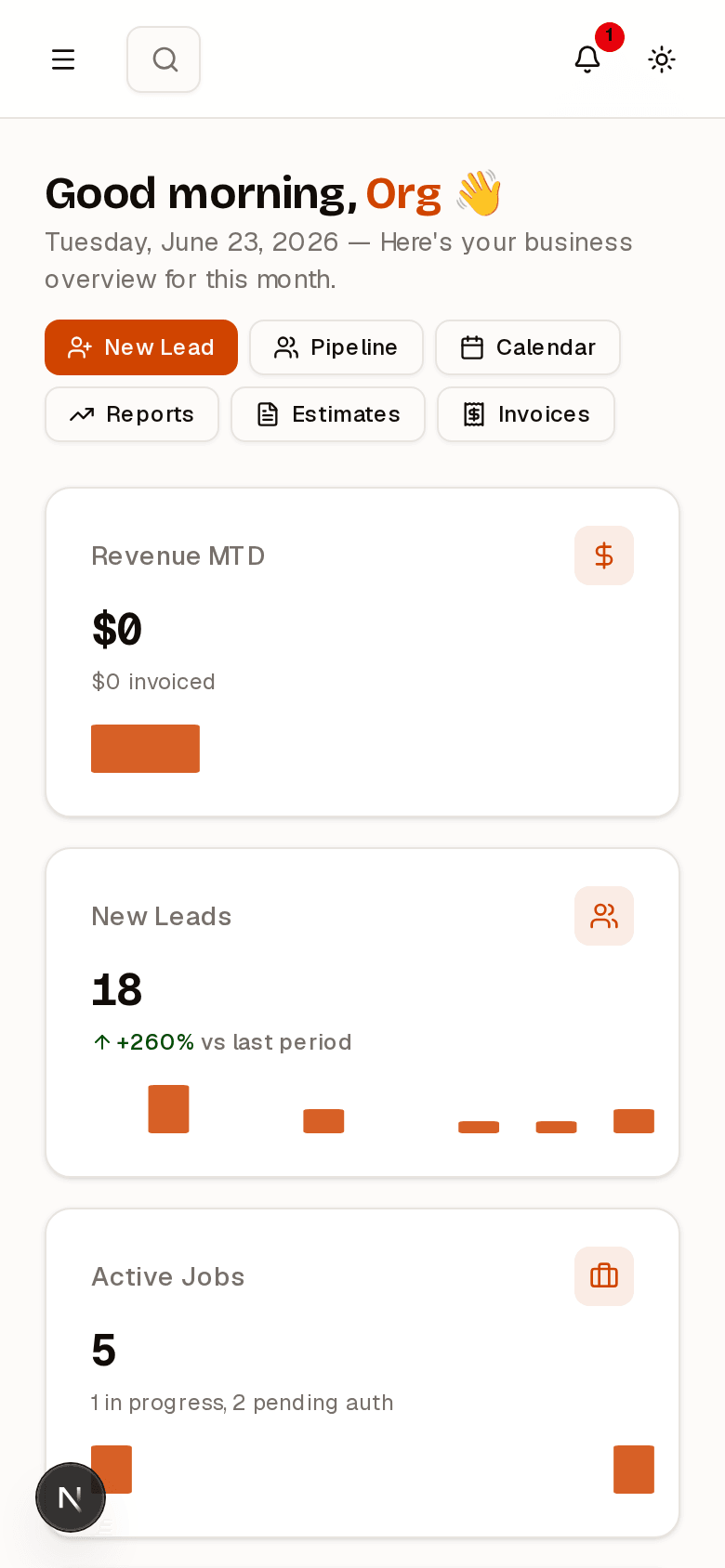
The same job record on every device
Intake, dispatch, documentation, estimates, and payment status stay tied to one job record, so the office and the field are always looking at the same thing.
Explore the platform- Photos and readings from the field
- Crews and schedules in sync
- Estimates and payments on the record
THE RESTOPATH WAY
One source of truth
for every restoration job
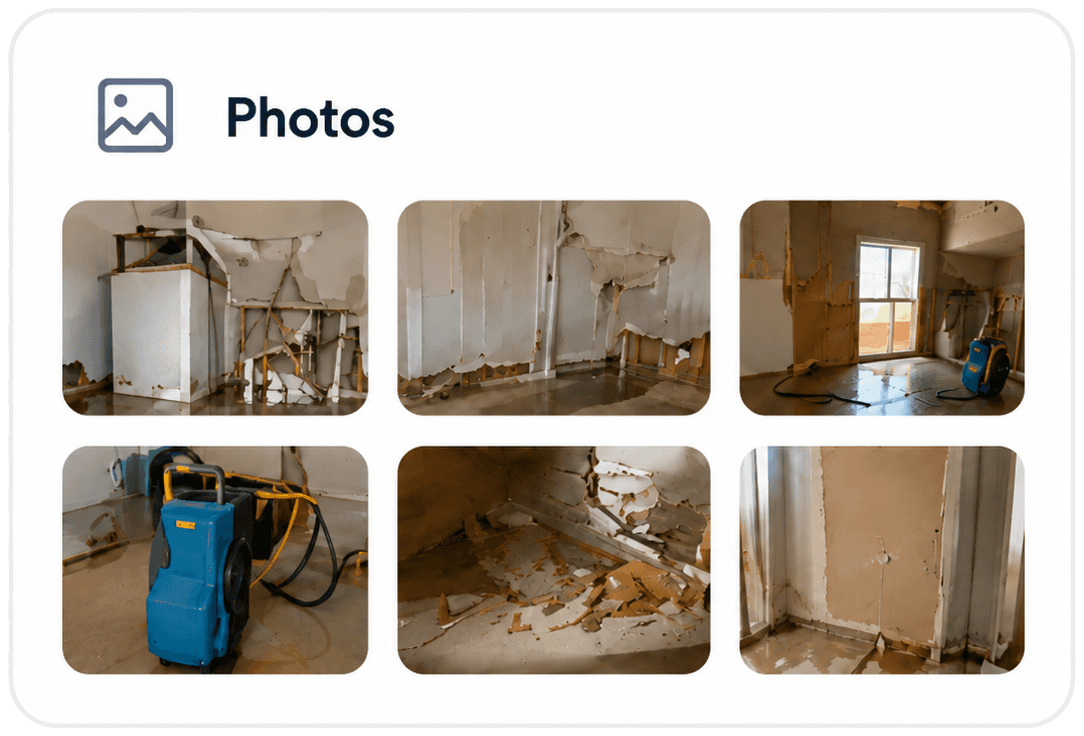
Bring calls, messages, notes, photos, forms, and files into a single job record so your team can move faster and clients stay informed.

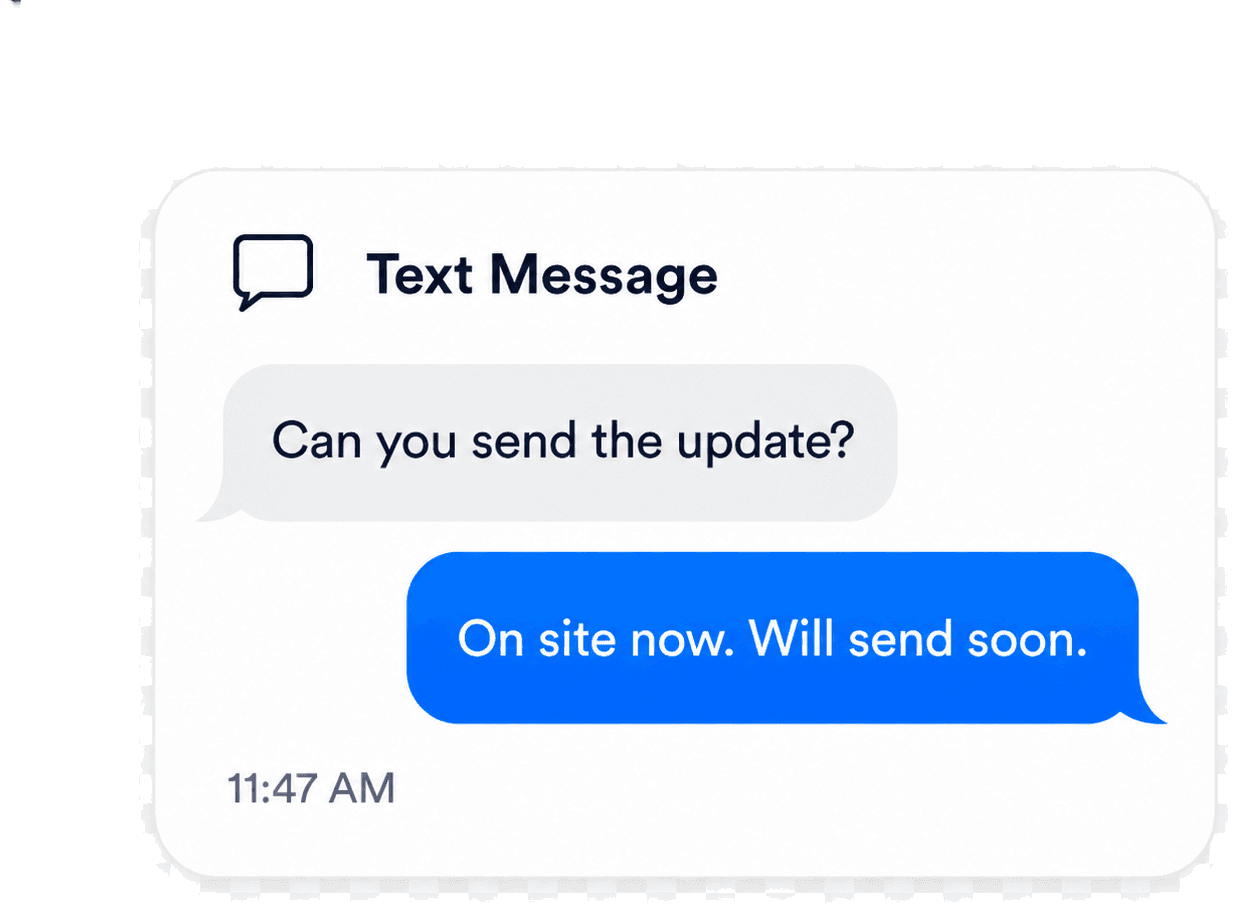
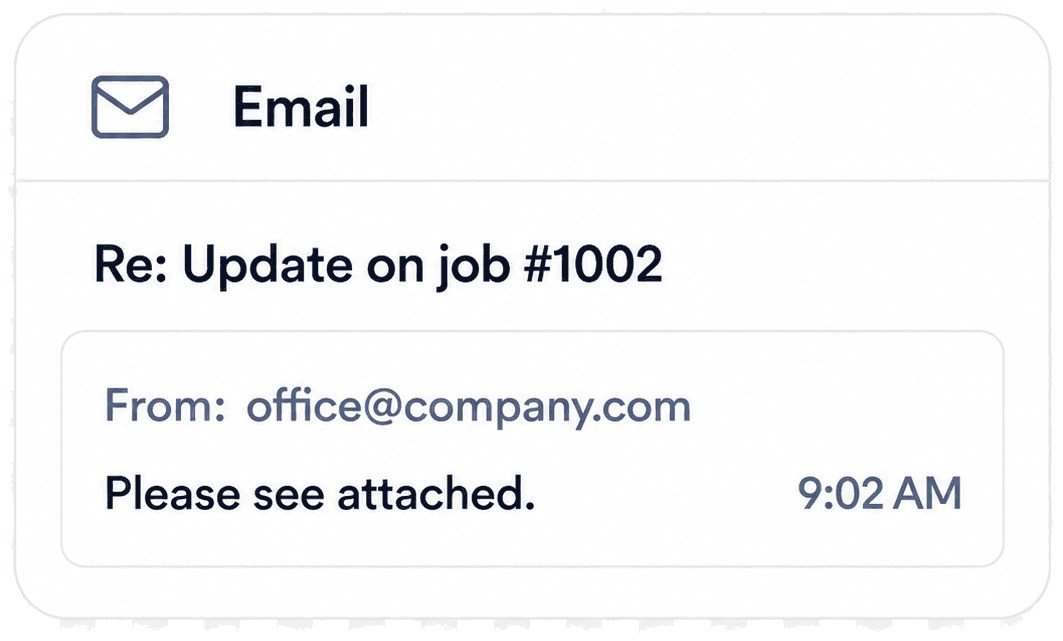
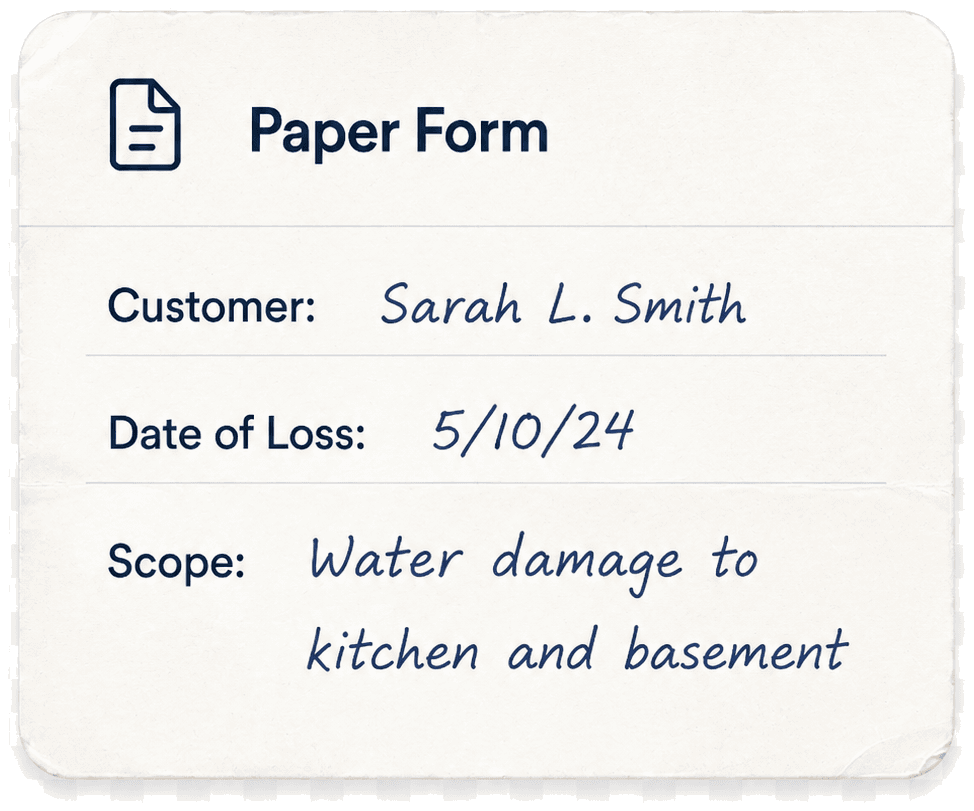
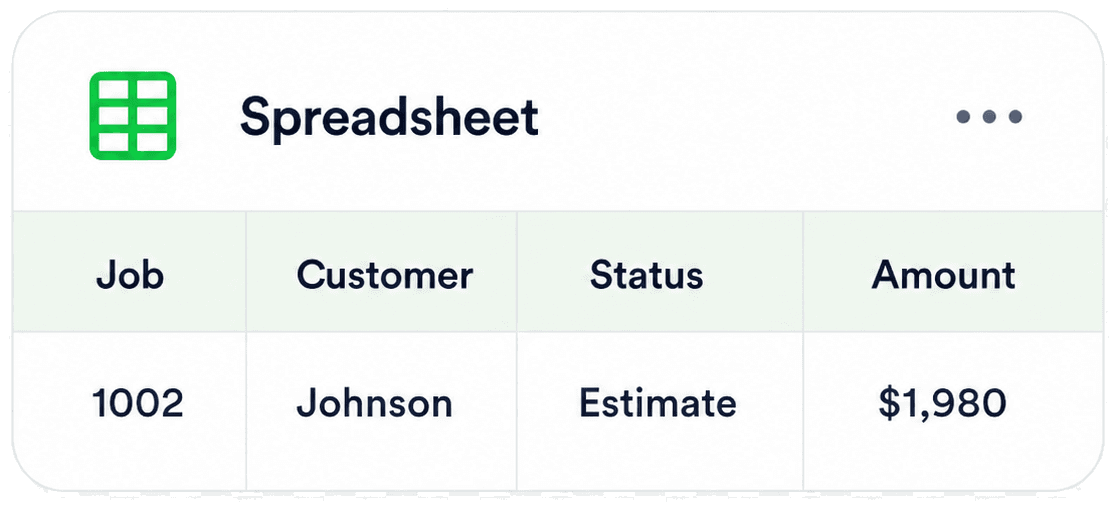
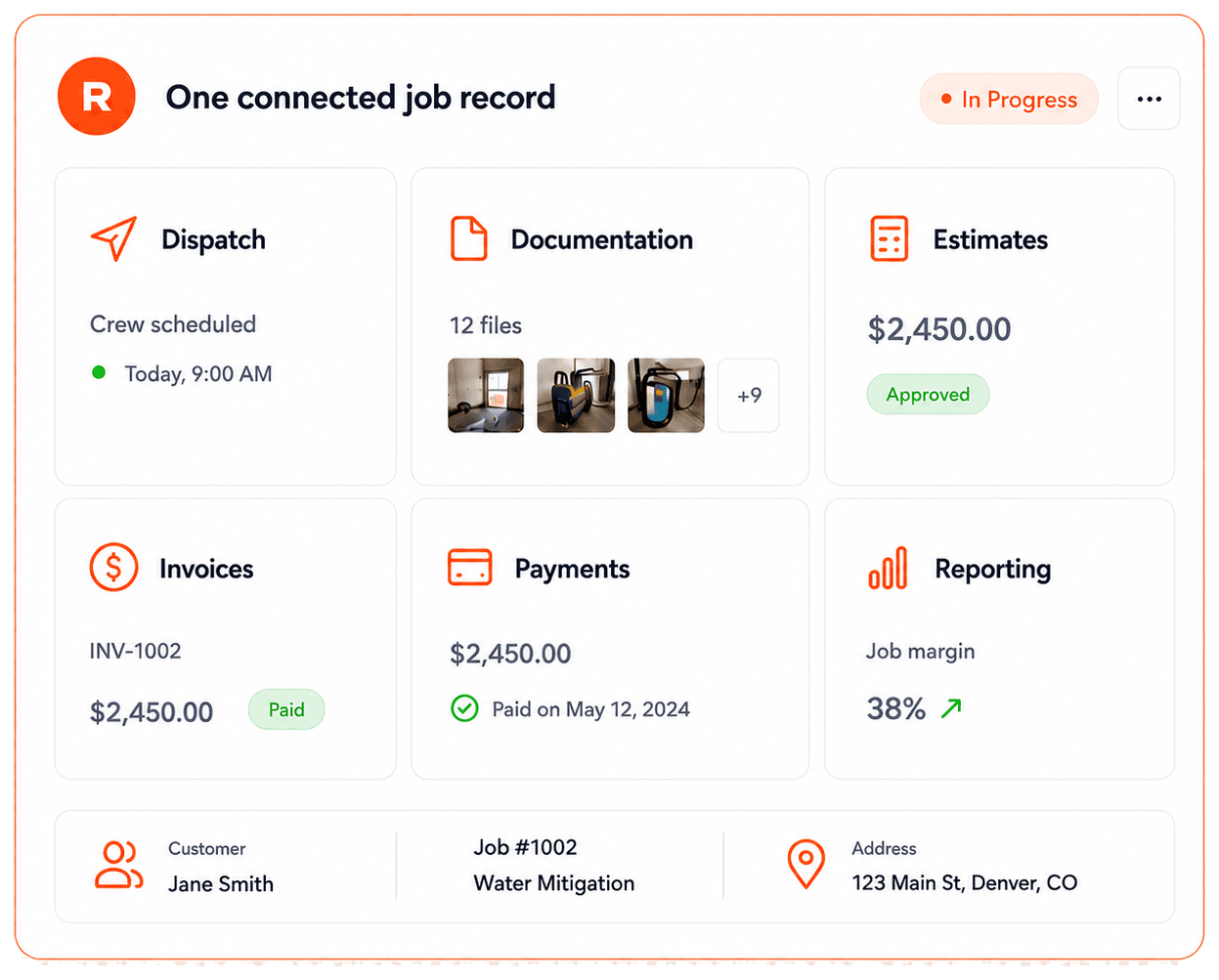
Faster handoffs
All updates live in one place so your team and partners always have the latest.
Cleaner documentation
Capture everything accurately with files, photos, and notes attached to the job.
Fewer errors
Eliminate duplicate entry and reduce missed details that slow you down.
Tap a logo to see how it connects
The tools restoration teams use
Built to fit your tool stack
RestoPath is designed to work alongside the tools restoration teams already use. Some connections are live and others are on the roadmap.
Connections keep their data tied to the same job record, so nothing lives in a separate silo.
- Accounting
- Payments
- Reviews
- Automation
- API access
Your restoration workflow
From first call to final payment, connected in one job record.
Every handoff stays tied to one job record, from emergency intake to invoice closeout.
Capture the loss
Emergency calls, web forms, referrals, and ad leads land in one shared intake record.
- Calls, texts, web forms, and referrals in one inbox
- Loss type, address, and contact captured up front
Built for how restoration teams work
Illustrative examples of how RestoPath helps restoration teams save time, stay organized, and keep every job on one record.
“Before RestoPath, our jobs lived in spreadsheets, texts, and a few heads. Now every call, estimate, and invoice sits on one record the whole team can see. It's genuinely the backbone of how we run.”
Mike Anderson
Owner · Anderson Restoration
5.0 average · 10 restoration teams · Verified review
Ready to streamline your restoration business?
Stop losing jobs to chaos. See RestoPath in action today.
- No credit card required
- Free personalized walkthrough
- Cancel anytime
Frequently asked questions
How field crews, documentation, job tracking, and billing work together on a restoration job, answered.
Need help choosing a plan?
Book a walkthrough with a RestoPath specialist.



Yes. Crews capture photos, add notes, and update job status from any phone or tablet, and everything attaches to the right job automatically, with no end-of-day re-entry at the office.
Yes. Crews log moisture readings and drying logs from the field, tied to the same job as the photos and notes, so your drying records stay organized for the claim.
Yes. Every job moves through clear stages (New, Scheduled, In Progress, Waiting Approval, and Paid), so the office always knows where each job stands.
Yes. Build estimates, turn an approved estimate into an invoice without retyping totals, and collect card payments online with status synced back to the job.
Yes. The office and the field work from one shared job record, so a status change in the truck shows up at the office in real time.
Most teams are up and running within a few days. Onboarding includes workflow setup and migration support to bring over your customers, jobs, and history so you start with everything in one place.
Let's find the right fit for your shop
Tell us how your restoration business runs and we will show you exactly where RestoPath fits. No pressure, no scripts.
- Replies within one business day
- Real restoration specialists
- No obligation